
NEET Choice Saving, Locking and Auto-Locking 2026: Complete Guide
Quick summary
Learn the difference between saving, editing, locking and auto-locking NEET counselling choices, with a safe final-submission checklist.
Main explanation
Quick Answer
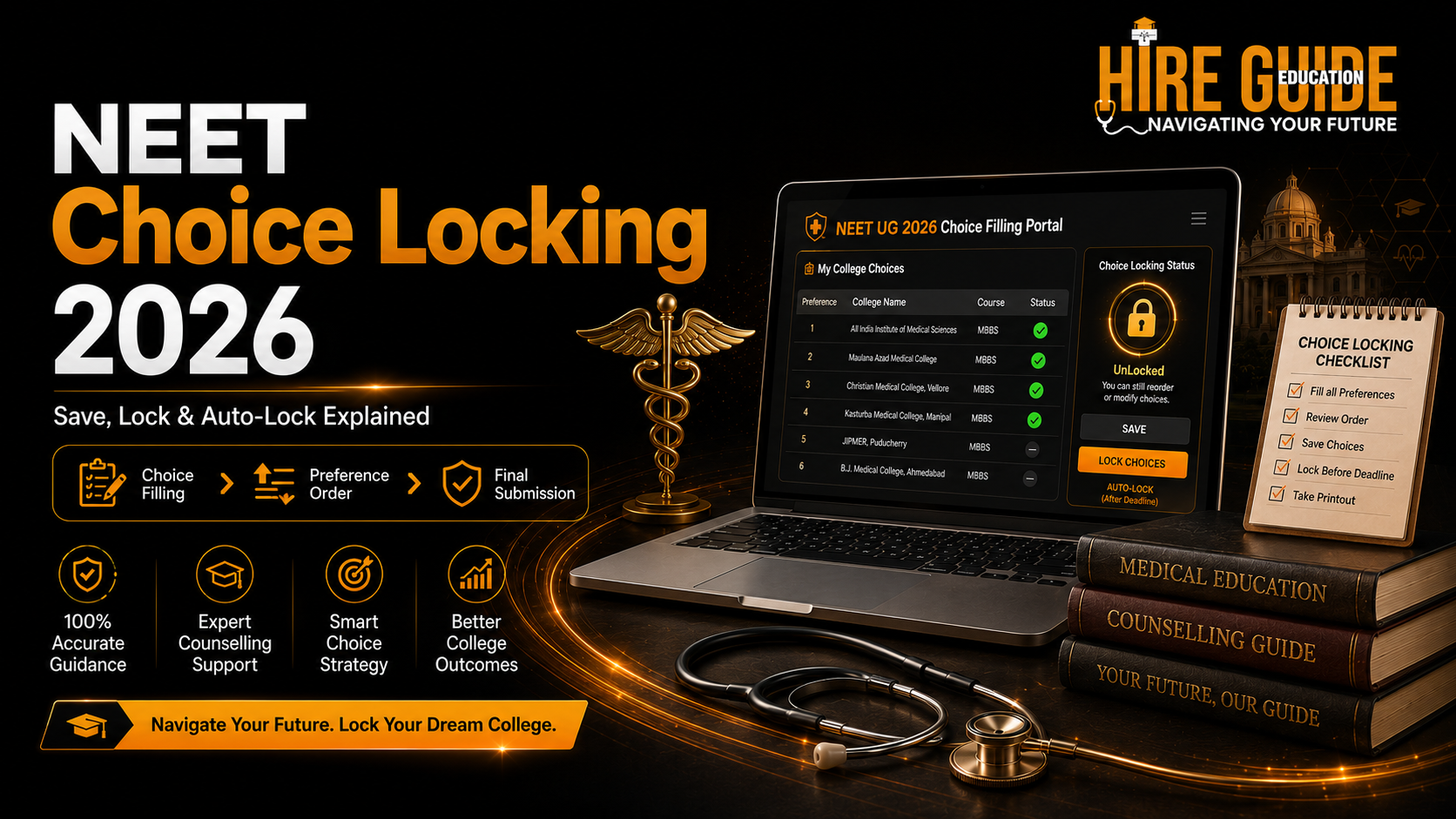
Saving a choice keeps it in the candidate's online list. Locking confirms the final submitted order for the round. Under the latest published MCC framework, choices could be edited before locking and un-locked choices were automatically locked according to the schedule. Candidates must still follow the exact 2026 portal instructions and save proof of the final list.
Why This Guide Is Important
A student may research the right colleges but lose the benefit because the final order is incomplete, not saved or changed at the last minute. Understanding the portal actions prevents technical and strategy mistakes.
Start with These Website Tools
- Prepare choices: Open the Choice Filling ToolOpen the Choice Filling Toolhttps://hireguideeducation.org/choice-filling
- Build chance groups: Read MCC Choice Filling StrategyRead MCC Choice Filling Strategyhttps://hireguideeducation.org/blog/mcc-choice-filling-strategy-2026-dream-possible-safe-order
- Check current seats: Read the Seat Matrix GuideRead the Seat Matrix Guidehttps://hireguideeducation.org/blog/neet-ug-seat-matrix-2026-college-category-quota-guide
- Verify cutoffs: Open the Cutoff ExplorerOpen the Cutoff Explorerhttps://hireguideeducation.org/cutoff
What Does Saving Mean?
Saving records the choices currently entered on the portal. The candidate may be able to add, delete or rearrange them during the active choice-filling window. A saved list is not necessarily the final list until the authority's locking or closing process is complete.
Save after every major change and verify that the portal confirms the action.
What Does Locking Mean?
Locking confirms that the candidate accepts the displayed choices and order for that round. After successful locking, modification is generally not available for that round.
Read the confirmation screen carefully. Do not lock until the student and parent have checked the complete list.
What Is Auto-Locking?
In the latest published MCC counselling framework, submitted choices that were not manually locked could be automatically locked according to the schedule. The current 2026 bulletin and portal message will remain final.
Auto-locking should be treated as a backup, not a planning strategy. A candidate should not leave the final review to the closing minute.
Choice Order Is More Important Than Safe Labels
The allotment system considers the highest available preference for which the candidate is eligible. Place a genuinely preferred Dream college above a lower-preference Safe college if both are acceptable.
Safe, Possible and Dream help analysis; they do not decide final order.
Create the List Offline First
Prepare the full list in a spreadsheet or the Choice Filling ToolChoice Filling Toolhttps://hireguideeducation.org/choice-filling. Include college name, portal code, course, quota, fee, bond and final preference number.
An offline list reduces typing mistakes and makes parent-student review easier.
Final Technical Audit
Check login access, browser stability, internet connection, OTP availability and portal status. Use a laptop or desktop when possible. Avoid multiple active sessions and public computers.
After locking, download or print the final choices. Keep a screenshot showing date and time.
Fresh Choices in Later Rounds
Authorities may require fresh choice filling for later rounds and may treat earlier-round choices as invalid. Do not assume the previous order automatically continues.
Review every active choice again because the joining and forfeiture consequences may become stricter.
What to Do if the Portal Shows an Error
Take a screenshot with the date, time and complete error message. Check official notices and try the approved browser or alternate candidate portal if provided. Contact the official helpdesk before the deadline.
Do not share password or OTP with a stranger offering remote assistance.
Decision Table
| Portal action | Meaning | Can you modify? |
|---|---|---|
| Add choice | College/seat enters the list | Yes, while window is open |
| Save | Current list/order is stored | Usually yes before lock/close |
| Move/reorder | Preference number changes | Yes before lock/close |
| Lock | Final confirmation for the round | Usually no after successful lock |
| Auto-lock | System finalises un-locked saved choices as per schedule | No after the process closes |
| Download/print | Proof of submitted choices | Does not change the list |
Practical Student-Parent Example
A candidate keeps an affordable government college at choice 10 and an unaffordable deemed college at choice 4. If the deemed seat is allotted, the candidate cannot argue that it was only a trial. Every saved and locked choice should be one the family can accept.
Action Checklist
- Prepare the choice list offline.
- Verify code, course, quota, fee and bond.
- Arrange choices in true preference order.
- Save after every major change.
- Review with the student and parent.
- Lock before the internal family deadline.
- Download the final locked-choice proof.
- Repeat the audit for every fresh-choice round.
Common Mistakes to Avoid
- Confusing a saved list with a final locked list.
- Putting Safe colleges first only because they look easier.
- Adding unaffordable choices as an experiment.
- Editing choices in the final few minutes.
- Assuming earlier-round choices continue automatically.
- Sharing login credentials for remote locking.
Frequently Asked Questions
Can I change choices after locking?
Normally no for that round. Follow the current portal rule.
What happens if I save but do not lock?
The latest published MCC framework provided auto-locking, but the current 2026 bulletin and portal instructions are final.
Should I wait for auto-locking?
No. Review and complete the process before the deadline.
Do fresh choices need to be filled in every round?
Some rounds require fresh choice filling. Read the current schedule and bulletin.
What proof should I save?
Download or print the final choice list and keep screenshots of successful submission.
Continue Your Research
- MCC Choice Filling StrategyMCC Choice Filling Strategyhttps://hireguideeducation.org/blog/mcc-choice-filling-strategy-2026-dream-possible-safe-order
- MCC Round RulesMCC Round Ruleshttps://hireguideeducation.org/blog/mcc-round-1-2-3-stray-vacancy-rules-2026
- Seat Matrix GuideSeat Matrix Guidehttps://hireguideeducation.org/blog/neet-ug-seat-matrix-2026-college-category-quota-guide
- Choice Filling ToolChoice Filling Toolhttps://hireguideeducation.org/choice-filling
Official Sources
- MCC UG Medical CounsellingMCC UG Medical Counsellinghttps://mcc.nic.in/ug-medical-counselling/
- Latest Published MCC UG Information BulletinLatest Published MCC UG Information Bulletinhttps://cdnbbsr.s3waas.gov.in/s3e0f7a4d0ef9b84b83b693bbf3feb8e6e/uploads/2025/07/202509181307981517.pdf
- NEET UG 2026 Information BulletinNEET UG 2026 Information Bulletinhttps://cdnbbsr.s3waas.gov.in/s37bc1ec1d9c3426357e69acd5bf320061/uploads/2026/02/202602231394640855.pdf
Stay Connected with Hire Guide Education
- Join the NEET UG 2026 WhatsApp ChannelJoin the NEET UG 2026 WhatsApp Channelhttps://whatsapp.com/channel/0029VbCkYqA1t90krIYMBV1A for counselling alerts, schedules and important reminders.
- Follow Hire Guide Education on InstagramFollow Hire Guide Education on Instagramhttps://www.instagram.com/neetcounselling.hireguide/ for short counselling explainers.
- Subscribe to Hire Guide Education on YouTubeSubscribe to Hire Guide Education on YouTubehttps://www.youtube.com/@Hireguideedu for detailed guidance videos.
- Visit Hire Guide EducationVisit Hire Guide Educationhttps://hireguideeducation.org/ for college data, cutoffs, counselling tools and support.
Final Takeaway
A good college list becomes useful only when it is saved, reviewed and locked correctly. Complete the final submission early and keep proof.
*Disclaimer: This article is for counselling awareness and planning. The latest official prospectus, seat matrix, fee order, bond rule, allotment result and reporting instruction issued by the competent authority will remain final.*